Kling 4.0: Cinematic AI Videos Up to 30s with More Control
Generate cinematic AI videos up to 30 seconds using keyframes, references, and synced sound.
Overview
Kling 4.0 fits into video creation workflows where longer, story-driven or detailed clips are needed. Creators begin by selecting a generation mode that guides the video, either Omni Reference, Keyframes, or Text to Video. Users can describe a scene, upload reference images, videos, or audio clips that influence the look, action, or sound of the final result. Videos can be between 3 and 30 seconds long and rendered at resolutions of 720p or 1080p with choices of aspect ratio.
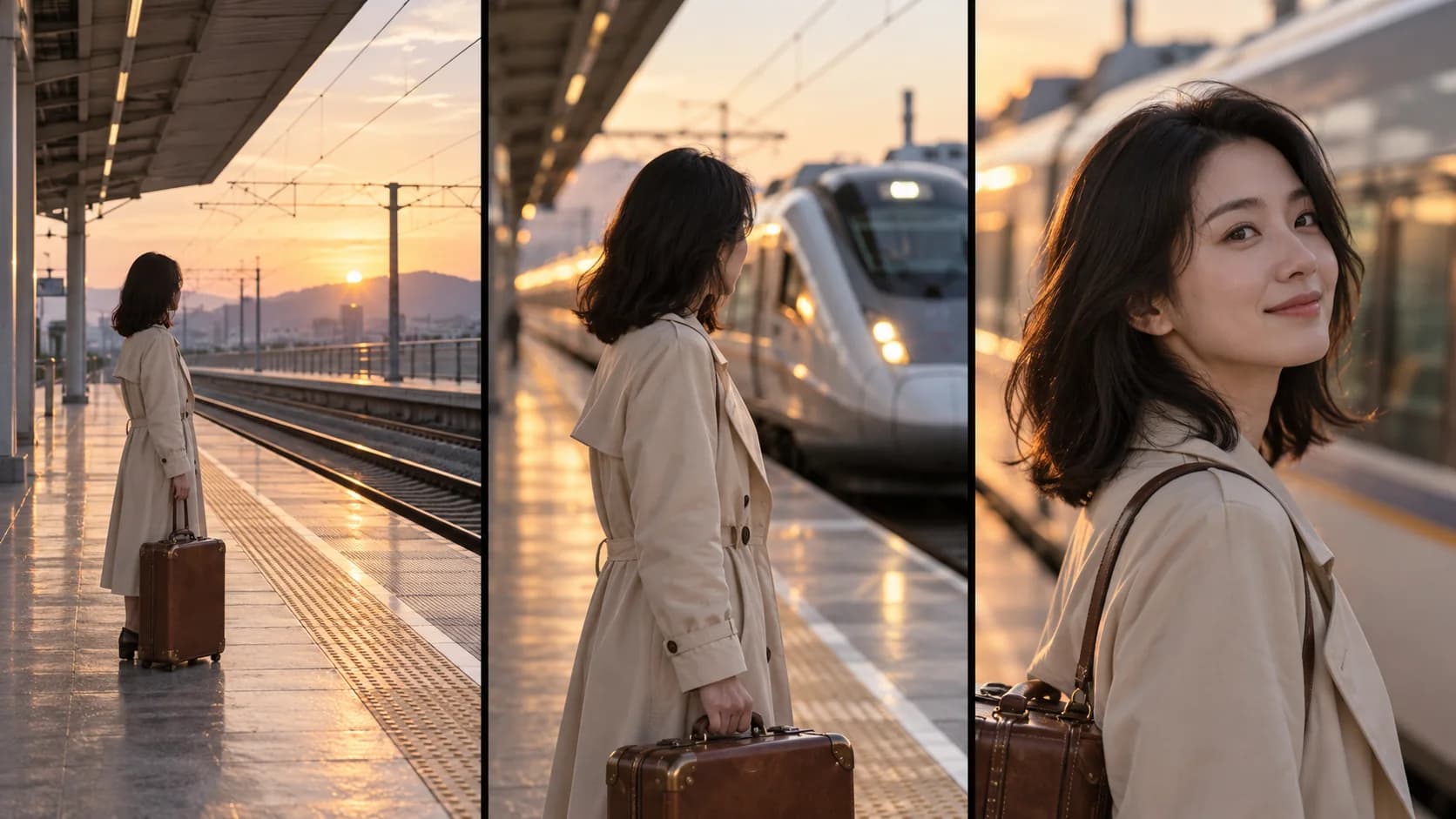
A standout part of Kling 4.0 is its multi-keyframe control, which lets creators specify up to 10 keyframes along a timeline. These frames act as visual checkpoints for important moments in a video sequence, such as a character's expression or a camera move, enabling more planned and coherent animations. The Omni Reference mode offers greater creative reference input, allowing up to 15 combined assets including images, videos, and voice samples to keep characters and products visually consistent.
The platform also permits precise editing of existing clips: users can request changes to specific details like backgrounds or expressions without having to remake entire sequences. Kling 4.0 improves motion smoothness, lip synchronization with audio, and supports stereo sound, enhancing the realism of dialogues and ambient effects in videos. Creators can develop social clips, product showcases, storytelling videos, and musical performances all within this flexible environment.
We went through the site and it says you can generate videos with up to 30 seconds duration using various multimodal references and keyframes.
What it offers
Features
- Generate videos up to 30 seconds with synced stereo audio
- Use up to 10 keyframe images to guide visual moments
- Combine up to 15 reference assets including images, videos, and voice
Use cases
- Create detailed social media clips with consistent characters and backgrounds
- Produce product showcase videos with focused camera movements
- Develop storytelling videos showing multiple planned scenes and movements
Screenshots

Frequently asked questions
What’s the difference between Kling 4.0 and Kling 4.0 Flash?
Kling 4.0 supports longer videos of up to 30 seconds, up to 10 keyframes, and advanced reference controls; Kling 4.0 Flash offers faster generation with videos up to 20 seconds at 720p but lacks multiple keyframe support.
Can I upload my own voice or background music?
You can upload MP3 or WAV files as voice references in Omni Reference mode which help guide a character’s voice, but they are not used as background music tracks.
Should I use Keyframes or Omni Reference?
Use Keyframes to plan specific moments such as opening or actions, and Omni Reference to guide characters, objects, or movements with images, videos, or voice samples; these modes cannot be combined in one task.
0 comments
Sign in to leave a comment.
No comments yet. Say something useful and be the first.