LoopVideo
Turn an uploaded clip into a seamless video loop with a short AI bridge, plus free browser video tools.
Overview
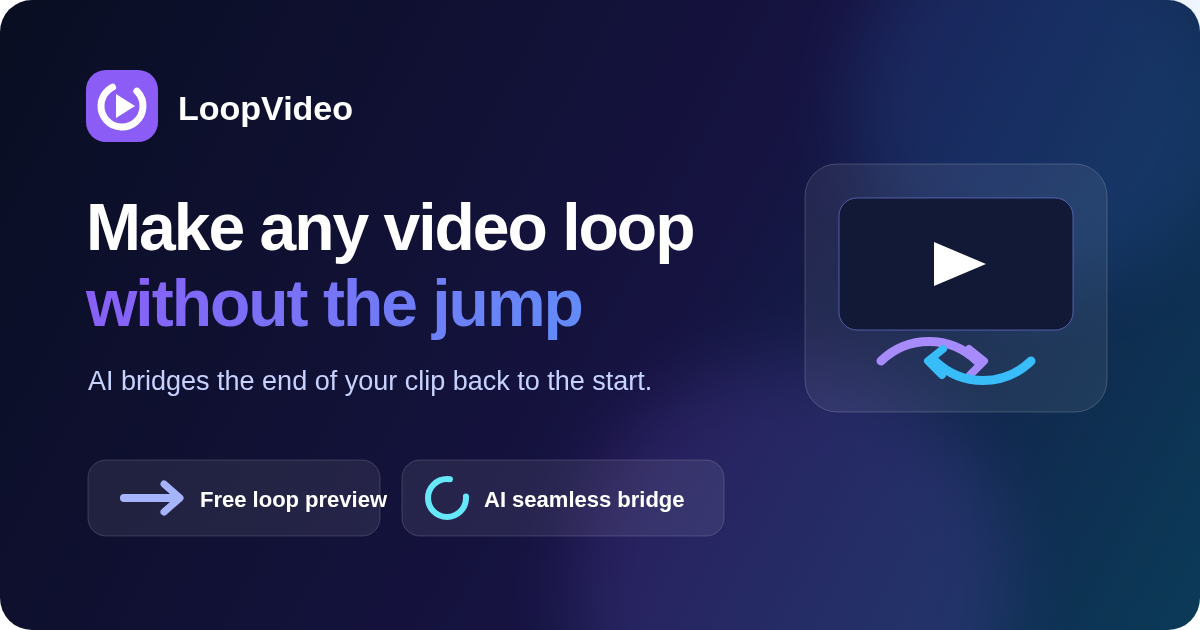
LoopVideo turns an uploaded short video into a smoother loop. It is built for creators, marketers and product teams who need background videos, social clips or product demos that repeat without a visible jump.
Instead of generating a new video from a text prompt, LoopVideo creates a short AI transition that connects the end of your clip back to its beginning. You upload an MP4, MOV or WebM file (up to 5 minutes and 300 MB) and can start with the free loop preview, which simply repeats your clip in the browser and needs no account.
AI seamless generation requires sign-in, and email accounts must be verified. Free AI results are watermarked and intended for personal, non-commercial use; paid plans remove the watermark. If an AI task fails, the credit or free attempt is restored.
The original video and the final concatenation stay in your browser. For AI generation, only extracted boundary frames and task data are sent for server-side transition processing, so the AI workflow is not entirely offline. Results vary by clip.
LoopVideo also includes free browser-based video tools for resizing, cropping, changing speed, reversing videos and converting video to GIF, which help prepare clips for social posts and product demonstrations.
What it offers
Features
- AI-generated transition bridging clip end to start
- Supports MP4, MOV, and WebM video formats
- Free in-browser loop preview without an account
- Free tools to resize, crop, change speed, reverse and convert video to GIF
Use cases
- Smooth video loops for social media content
- Creating product demo loops without visible cuts
- Looping marketing videos seamlessly
Screenshots


Frequently asked questions
What is LoopVideo and how does it work?
LoopVideo uses AI to create a short transition that smoothly loops a video by bridging its end back to its start.
Is the free loop preview really free?
The basic loop preview, which repeats your clip in the browser, is free and needs no account. AI seamless generation requires sign-in; free AI results are watermarked.
What video formats can I upload?
You can upload MP4, MOV, or WebM videos up to 5 minutes and 300MB in size.
0 comments
Sign in to leave a comment.
No comments yet. Say something useful and be the first.