
OmniHuman 2.0: Make Photos Talk, Sing & Move Online
Transform a single photo and audio into a talking, singing, animated character video online.
Overview
This tool lets you bring still photos to life by combining them with an audio track to create fully animated videos. You upload a reference image, a clear photo of a person, an animal, or a stylized character, and then add your voice, dialogue, or singing. The software handles more than just mouth movements; it animates full facial expressions, natural body gestures, and even camera movements when you include text instructions. It supports videos up to five minutes long, allowing for extended character performances driven by your audio content.
One unique aspect is the option to include prompts that guide detailed actions, emotional expressions, and scene changes. This helps the animation reflect the tone of the speech or lyrics while bringing in reactions like head nods, hand gestures, or looks of surprise. The program also supports multiple characters in one scene, automatically matching voices with each character’s image for natural dialogue flow. Plus, it can animate a wide range of subjects from humans to pets with diverse styles.
The process is straightforward: upload your image, upload your audio, add an optional written prompt to direct movements or camera angles, then generate the video. You can preview and download your creation once it’s done. It's suitable for social media clips, educational videos, storytelling, ads in draft form, music videos, or any project that benefits from animated characters driven by voice or music. We went through the site and it says setup takes just a few steps with no need for filming or complex editing.
What it offers
Features
- Generate talking, singing, and animated videos from single image and audio
- Use text prompts to guide facial expressions, body movements, and camera angles
- Create videos up to 5 minutes synchronized to audio length
Use cases
- Create social media videos from voice recordings and character images
- Make educational explainer videos with animated presenter
- Develop character-driven scenes for storytelling or ads
Screenshots
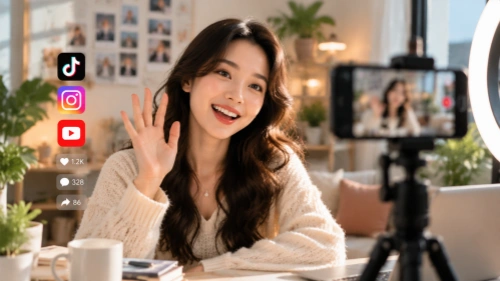
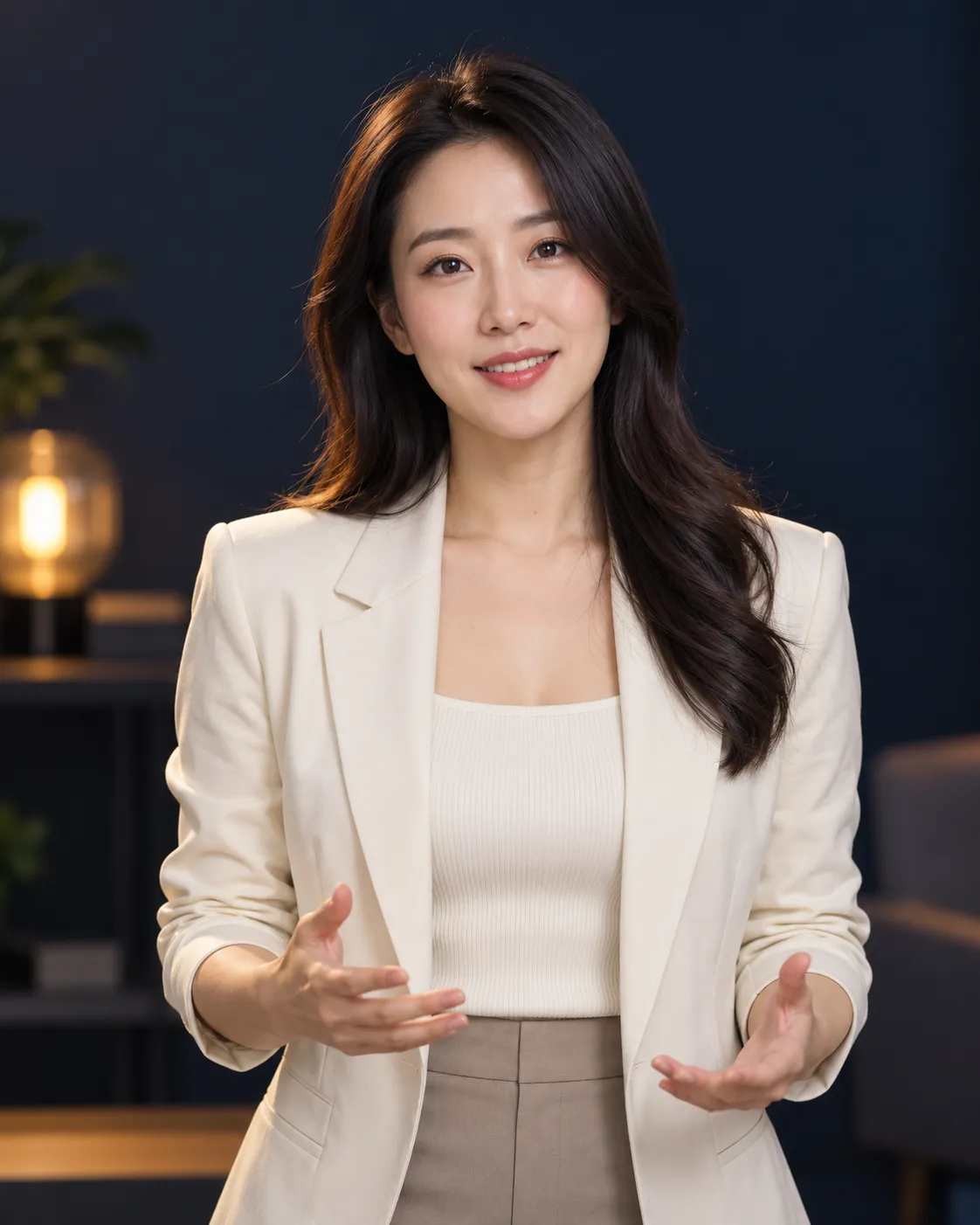
Frequently asked questions
What file types and sizes are supported for image and audio uploads?
Images can be JPG, PNG, WebP under 30 MB, and audio files are MP3 or WAV between 4 to 300 seconds and under 15 MB.
Can I animate multiple characters in the same video?
Yes, OmniHuman 2.0 supports multi-person scenes with automatic voice-to-character matching for natural dialogue.
How do prompts affect the animation?
Prompts guide character actions, facial expressions, and camera movements, allowing you to describe sequential steps or emotions for more control.
0 comments
Sign in to leave a comment.
No comments yet. Say something useful and be the first.