
Ray 3.2 AI Video Generator - Create Controlled Videos Online
Turn text, photos, or video into cinematic clips with native HDR and multi-keyframe control in your browser.
Overview
Video creation often involves expensive reshoots and complex editing workflows. Ray 3.2 offers a different approach by letting you upload existing footage or images and guide changes through text prompts, keyframes, and reframing techniques. This tool preserves the motion, structure, and timing of your source while allowing for transformations such as changing scenes, lighting, or even characters. It works entirely in the browser, supporting up to 1080p HDR quality and exporting in formats compatible with professional post-production tools.
The model handles multiple workflows including generating video from text or images, editing existing clips with precise frame-level control, and reframing for various aspect ratios without cropping. For instance, you can reframe a 16:9 cinematic shot into 9:16 vertical format by filling in newly exposed canvas areas with scene-aware content. Ray 3.2 tracks up to eight faces simultaneously and supports 16 keyframes per clip, enabling control of exact motion shifts or story beats. It also generates real HDR color and exports clean EXR files, making it well suited for VFX and compositing.
The service offers a straightforward online interface where users select their preferred workflow, upload or describe the content, set resolution and clip length, then generate and download the final video. It integrates with popular creative platforms and provides an API for developers looking to automate their production pipelines. This makes it valuable for filmmakers prototyping scenes, advertisers creating multiple market variants, game studios animating concept art, and social media creators formatting clips natively.
We went through the site and it says you can create cinematic videos from just text or photos, refine videos frame by frame, and export in professional-grade HDR and EXR formats.
What it offers
Features
- 16 keyframes per clip for detailed motion and story control
- Native 1080p HDR generation with 16-bit EXR export
- Four workflows: text-to-video, image-to-video, video edit, and reframing
Use cases
- Prototype film shots and story beats with text-to-video clips
- Create market-specific ad variants by editing existing footage
- Animate character or environmental concept art from still images
Screenshots

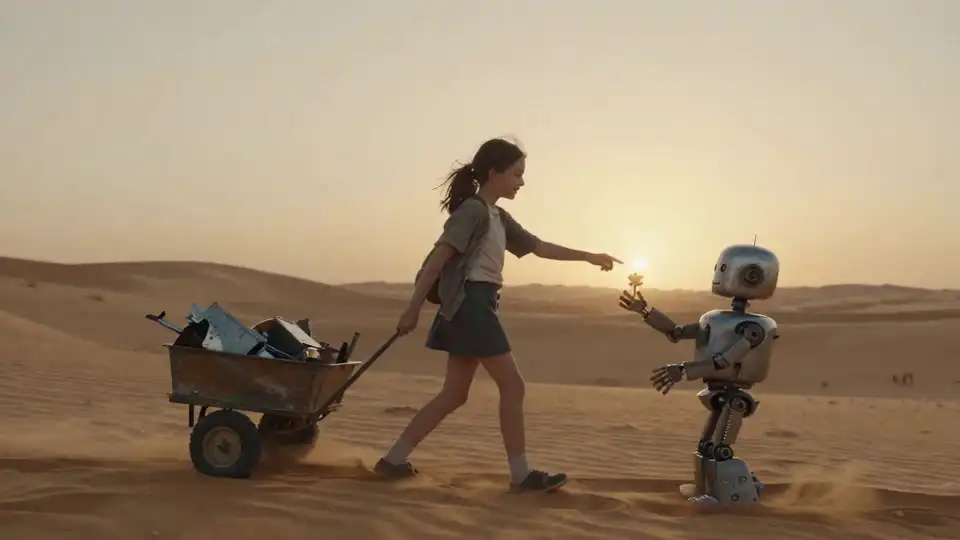
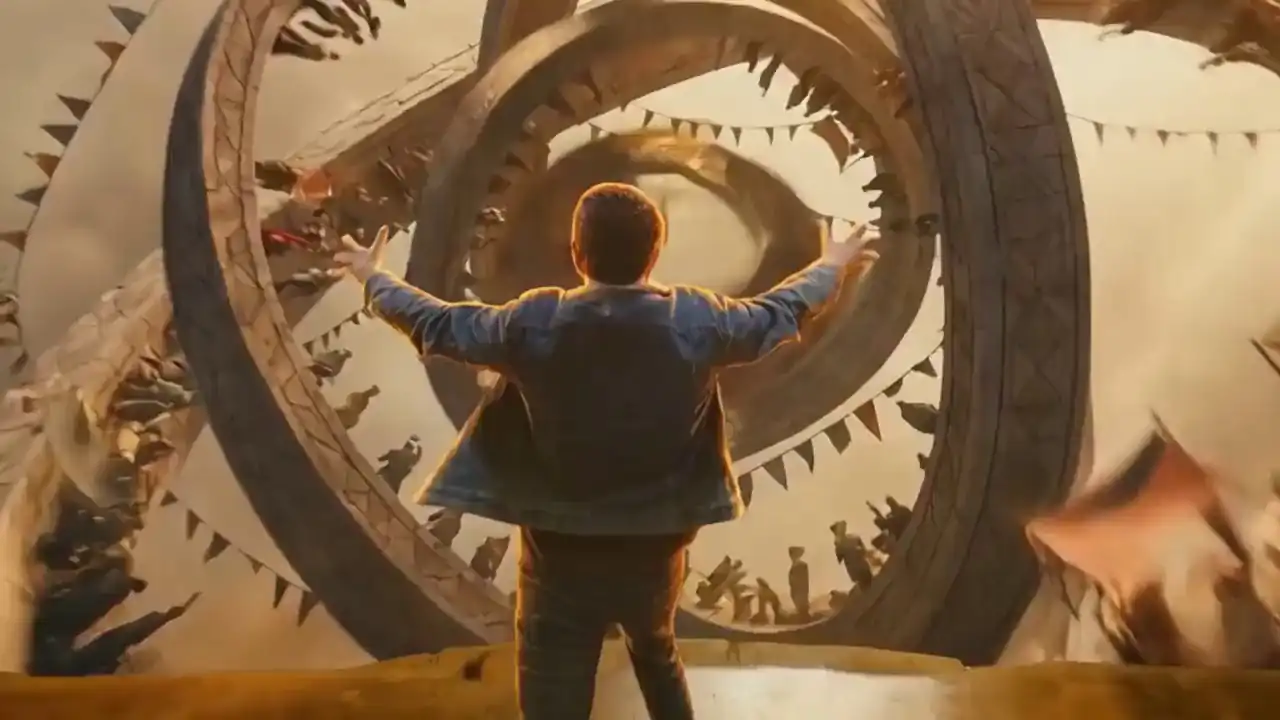
Frequently asked questions
Can I generate videos from text prompts without source footage?
Yes, Ray 3.2 supports text-to-video generation where you write a scene description and it produces a cinematic clip without needing source video.
What resolutions and clip lengths are supported?
You can generate clips at 540p, 720p, or native 1080p resolution with durations of 5 or 10 seconds; video editing supports up to 20 seconds.
How does Ray 3.2 handle different aspect ratios for video?
It offers a video reframing workflow that changes aspect ratios without cropping by filling exposed canvas areas with scene-consistent content.
0 comments
Sign in to leave a comment.
No comments yet. Say something useful and be the first.