No-code tools for apps, games, bots and forms
Builders that let you make something real without writing the code yourself: websites and web apps from a description, 2D games in a visual editor, Discord bots from plain English, forms and surveys, and widgets you add with one script tag. The note under each tool says what you can build and how much technical work it takes.
The tools come from several categories, and none paid to be on this list.
-
Ranked number 1
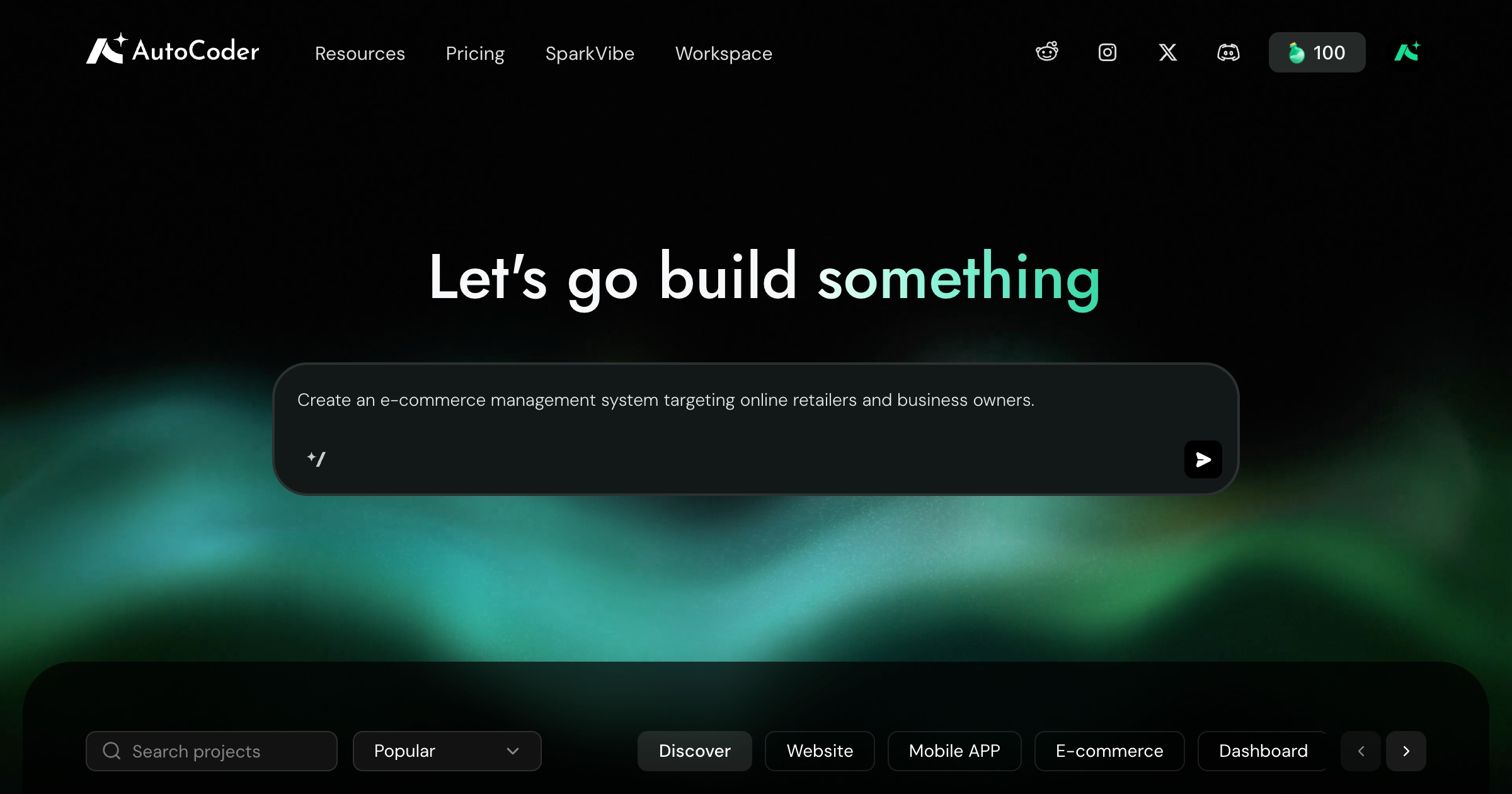
AutoCoder: AI App Builder for Websites & Web Apps
Convert ideas into full websites or web apps with data, payments, user roles, and deployment.
Describe an idea, upload files or paste a Google Maps link, and get an editable full-stack site or web app with data, payments and user roles.
-
Ranked number 2

Egmatic: Ship 2D Games Without Code
Create and publish 2D games using a visual editor with one-click multi-platform publishing, no coding required.
A node-based visual editor for 2D game logic, with drag-and-drop scenes, live preview and one-click publishing to several platforms.
-
Ranked number 3

VibeBot - AI Discord Bot Maker: No Coding Required Verified
Create and host custom Discord bots with AI, no coding required, for moderation, music, tickets, and more.
Describe a Discord bot in plain English and it writes the code and hosts it around the clock: moderation, music, tickets, levels and AI companions.
-
Ranked number 4
Rowform form builder
Build forms and surveys for data collection without the higher cost of enterprise form tools.
Forms and surveys in the style people know from Typeform, for teams that want that flow without the enterprise price.
-
Ranked number 5
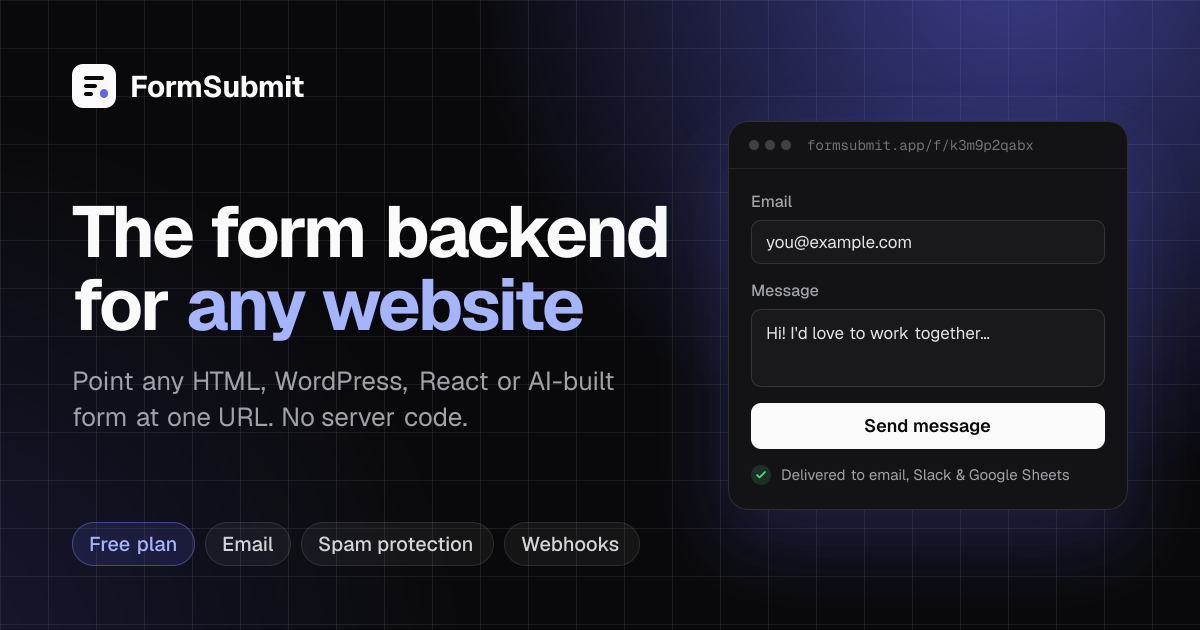
FormSubmit: The form backend for any website
Receive form submissions via email and integrations without server code for any HTML or framework form.
Point any HTML form's action at a FormSubmit URL and submissions go to your inbox or apps, with no server code to write.
-
Ranked number 6

Stickly
A script-tag widget that gives your users your own credits for actions like follows, reviews and referrals. Free up to 1,000 users a month.
One script tag adds a widget that rewards users in your own credits for follows, reviews and referrals, and calls your webhook to update balances.
No-code, low-code and AI builders
The terms get used loosely, so here is how they apply on this list. No-code tools give you a visual editor or a plain-language prompt, and you never see code. Low-code tools need one small technical step, like pasting a script tag or setting a form's action URL. AI builders generate real code from a description and let you edit the result visually. All three are here.
When no-code is the right choice
No-code is best for getting something working quickly: a prototype to show customers, an internal tool, a community bot, a first game. It gets harder as requirements grow. Before you commit, check:
- Can you take your work with you? Some builders produce code you own and can download. Others only run inside their platform.
- What does hosting cost once you have real users? Free tiers usually cap usage.
- Where are the limits? Custom logic, integrations and performance are where no-code tools usually run out.
If you are still testing an idea, building fast and cheap is exactly right. Our guide to validating a SaaS idea covers what to test first.
Browse the categories behind this list
More highlights
Questions about this list
What is the difference between no-code and low-code?
No-code tools need no programming at all: everything is visual or written in plain language. Low-code tools need a small amount of technical work, such as adding a script tag or changing a setting, but still save you from building the feature yourself.
Can you build a real business on no-code tools?
Many businesses start that way. No-code works well for testing demand and running early versions. As you grow, check whether you can export your work or move to custom code when you reach the platform's limits.
Do AI app builders produce code I can edit?
Some do. AI builders that generate full-stack code and include a visual editor let you change the result without starting again. Check whether you can download the code or can only edit it inside the platform.