AI video generators
AI video generators that turn a prompt, a photo, an audio track or an existing clip into video. They overlap a lot, so each tool below has a note on what it does differently: longer clips, keyframe control, lip sync, editing footage you already have, or making a seamless loop.
Every tool here passed the same checks as any FeaturedLane listing before it was published. None of them paid to be on this list.
-
Ranked number 1
Kling 4.0: Cinematic AI Videos Up to 30s with More Control
Generate cinematic AI videos up to 30 seconds using keyframes, references, and synced sound.
Three modes (Omni Reference, Keyframes and Text to Video) and clips of 3 to 30 seconds at 720p or 1080p. A good pick when you want to steer a scene with reference images, video or audio.
-
Ranked number 2

Kling 4.0 AI Video Generator
Generate 3 to 30-second AI videos using text, images, keyframes, and multimodal references with stereo audio support.
Up to ten keyframe images per clip, for when you need to fix where characters are at set moments in a 3 to 30 second video.
-
Ranked number 3

Wan 3.0 AI Video Generator
Generate native 1080P videos up to 30 seconds from text or images with synchronized audio using AI.
Native 1080p clips up to 30 seconds, with sound generated in the same pass, from a prompt or a single image. Handles vertical formats for social.
-
Ranked number 4
Wan 3.0 AI video generation
Create cinematic AI videos from prompts, images, documents, URLs and other reference material.
Takes the widest range of inputs on this list: prompts, images, documents, URLs and mixed references. Useful when your idea is spread across notes and links.
-
Ranked number 5
Ray 3.2 AI Video Generator - Create Controlled Videos Online
Turn text, photos, or video into cinematic clips with native HDR and multi-keyframe control in your browser.
Edits video you already have. Upload footage and change the scene, lighting or characters while keeping the original motion and timing, at up to 1080p HDR.
-
Ranked number 6
LTX Studio video creation workspace
Generate videos from text, images and audio through an LTX Studio powered AI video platform.
Text, image and audio inputs in one generation flow. Suits people who want generated clips without working on a traditional editing timeline.
-
Ranked number 7

OmniHuman 2.0: Make Photos Talk, Sing & Move Online
Transform a single photo and audio into a talking, singing, animated character video online.
Animates a single photo with an audio track, including facial expressions, gestures and singing, in videos up to five minutes long.
-
Ranked number 8
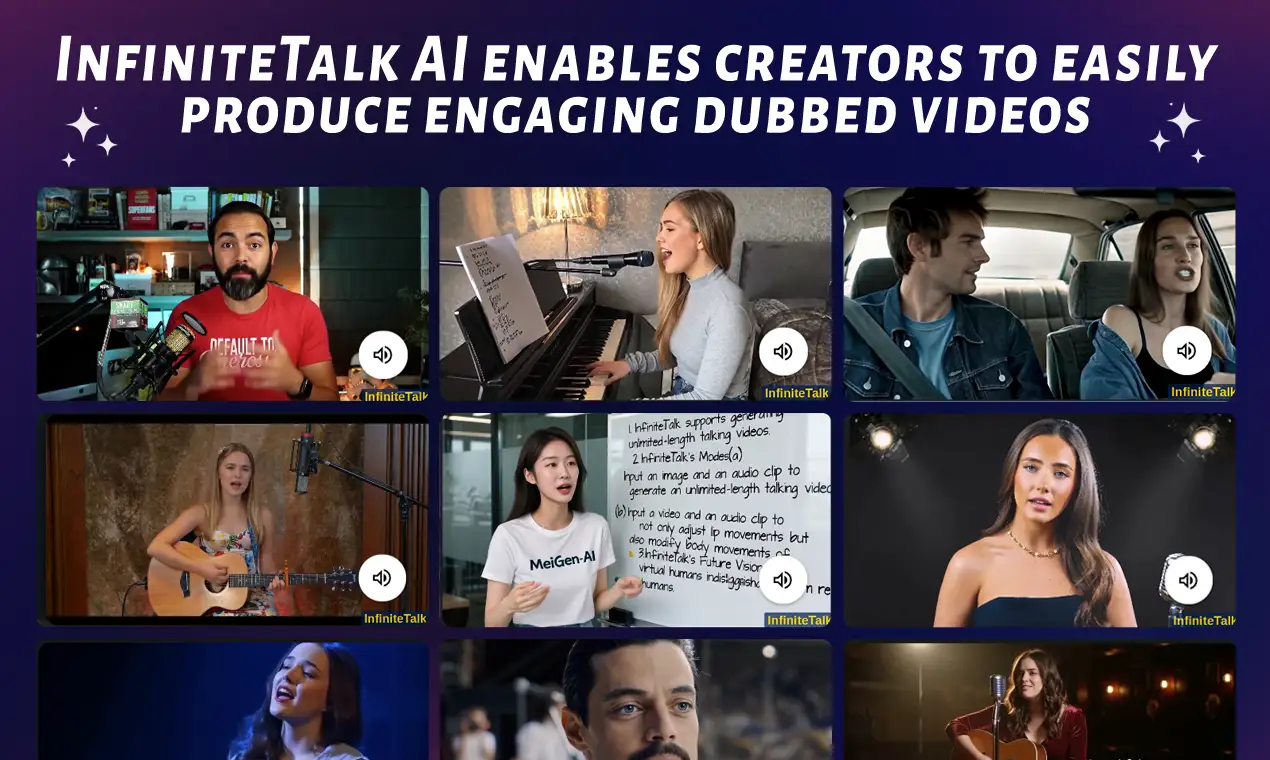
InfiniteTalk AI: Audio-Driven Lip Sync Generator
Generate lip-synced, full-body videos from audio and images or existing videos with unlimited duration.
Lip sync for dubbing and avatars. Matches lips, head and body movement to the audio, starting from an image or a video, with no fixed length limit.
-
Ranked number 9

LoopVideo
Turn an uploaded clip into a seamless video loop with a short AI bridge, plus free browser video tools.
Not a from-scratch generator: it adds a short AI bridge so your own clip loops without a visible jump. Handy for background and product videos.
-
Ranked number 10
Playcut AI content studio
Create AI actors, product images, lifestyle shots, marketing assets and videos from one content platform.
A content studio rather than a single video model: consistent AI actors, product shots and short videos for UGC-style ads.
How these AI video generators differ
Most AI video tools now make short clips, roughly 3 to 30 seconds, at 720p or 1080p. The real differences are in what you start from and how much control you get:
- Text to video works from a written prompt. It is the fastest way to try an idea and the least predictable.
- Image to video starts from a still frame you supply, so the look is fixed and only the motion is generated.
- Keyframes let you set several frames along the timeline, which gives far more control over what happens when.
- Audio-driven video, meaning lip sync and talking photos, matches mouth and body movement to a voice track.
- Video to video keeps the motion of footage you shot and changes how it looks.
Start from what you already have. With a product photo, try image to video. With a voiceover, try an audio-driven tool.
Model versus website
Several tools here carry the name of a model family, such as Kling or Wan. Different websites can offer access to the same model with their own pricing, limits and extra features. Compare what you get per credit and what the interface adds, not just the model name.
Before you pay
Make one test clip with your own prompt or image on the free tier, if there is one. Check the credit cost of a clip at the length and resolution you need, whether paid plans remove the watermark, and whether the licence covers commercial use. Our guide to free AI video generators goes further into free plans, and the Media and audio category lists every video tool in the directory.
Browse the categories behind this list
More highlights
Questions about this list
What is the best AI video generator for beginners?
One that starts from something you already have. Image-to-video and loop tools give more predictable results than text prompts alone, because your own image or clip sets the look of the video.
Can AI video generators make videos with sound?
Some can. A few tools on this list generate ambient sound or synced audio along with the picture, and the lip sync tools build the video around an audio track you supply. Others make silent clips that you add audio to afterwards.
Why do several tools use the same model name?
A model family such as Kling or Wan can be offered by more than one website. Each site sets its own pricing, limits and features around the model, so the same model name does not mean the same deal.
How long does it take to generate an AI video?
Usually from under a minute to several minutes per clip, depending on length, resolution and how busy the service is. Longer and higher-resolution clips take longer and cost more credits.