AI photo and image tools
AI tools that work with photos and images: professional headshots from one selfie, removing people from a picture, previewing a room makeover, product and lifestyle shots without a photoshoot, illustrated children's books, and photos that talk. Each tool has a note on what it does best.
They come from several categories, and none paid to be included.
-
Ranked number 1
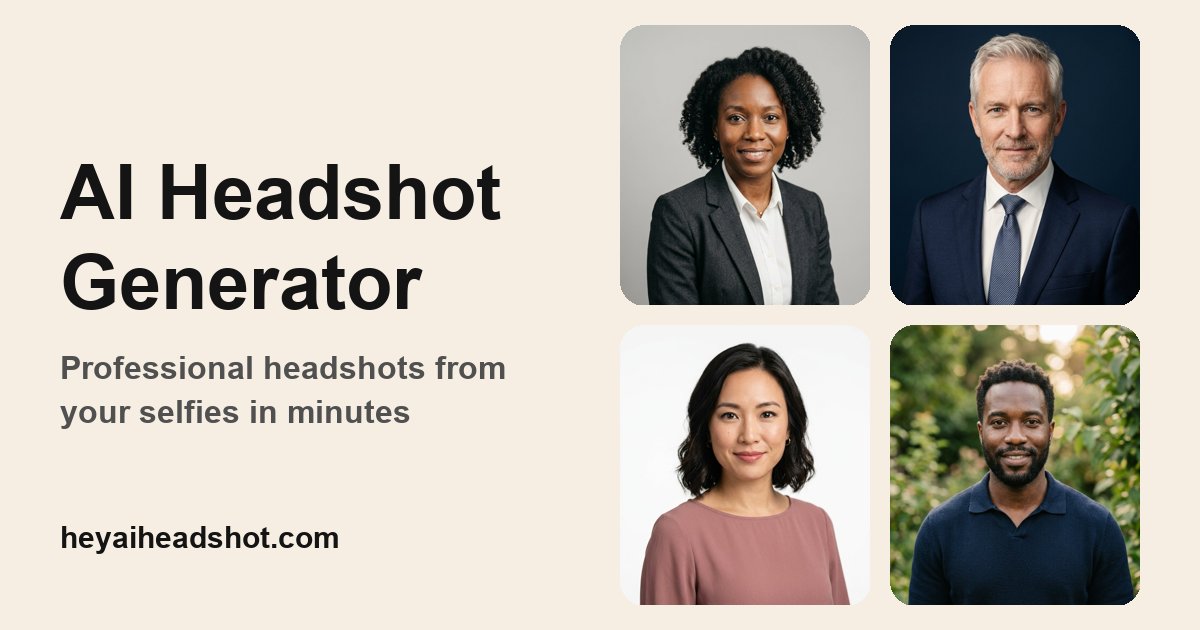
HeyAIHeadshot
Upload one selfie and it generates professional headshots for LinkedIn, resumes and team pages. 3 free previews, paid packs from $9.
Turns one selfie into professional headshots in styles like LinkedIn, corporate and studio, working from your own face. Three free previews before you pay.
-
Ranked number 2

People Remover: Remove People from Photos Free with AI
Upload a photo, describe who to remove (“the man on the right”) and the AI deletes them. One free edit, then credits from $3.99.
Type who to remove, such as "the man on the right", and the AI redraws the photo without them. No brushing or masking, and one free edit.
-
Ranked number 3
AI Room Makeover previews
Preview room changes from photos, prompts, optional references and selected style directions.
Upload a photo of a room, describe a direction or pick a style, and preview the result before you repaint or buy furniture.
-
Ranked number 4
Playcut AI content studio
Create AI actors, product images, lifestyle shots, marketing assets and videos from one content platform.
Product photos, lifestyle shots and consistent AI actors for ads, without organising a photoshoot.
-
Ranked number 5
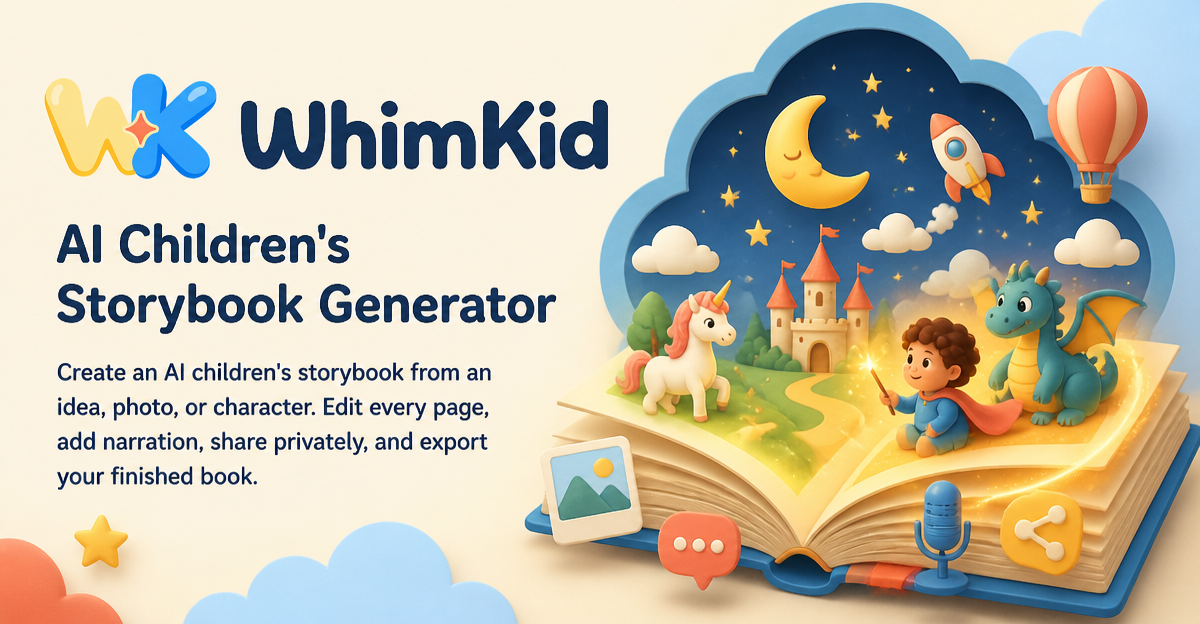
WhimKid
WhimKid turns an idea, a photo, or your child's name into an illustrated children's storybook with editable pages and PDF export.
Turns an idea, a photo or a child's name into an illustrated storybook, with several art styles, editable pages and PDF export.
-
Ranked number 6

OmniHuman 2.0: Make Photos Talk, Sing & Move Online
Transform a single photo and audio into a talking, singing, animated character video online.
Goes one step past still images: add an audio track to a single photo and it animates the face and body to talk or sing.
What AI image tools do well now
AI image editing has moved from "generate something random" to specific, dependable jobs: replace a background, remove a person, restyle a room, keep the same face across many images. Each tool on this list focuses on one of those jobs, which is usually a better sign than a tool that promises everything.
Getting good results
- Start with a good source photo. Even light, a sharp face and a clear view of the room leave the AI less to guess.
- Describe changes plainly. "Remove the two people on the left" works better than a long creative prompt.
- Make a few versions and pick the best. Results vary from one run to the next.
- Check the details before you use an image. Hands, text, edges and reflections are where AI edits still go wrong.
Faces, consent and honesty
Headshot and photo-to-video tools work with real faces. Use your own photos, or ones you have permission to use. For professional headshots, aim for a result that looks like you on a good day. One that looks like someone else causes awkward moments when people meet you. More image and video tools are in the Media and audio and Design categories.
Browse the categories behind this list
More highlights
Questions about this list
Are AI headshots good enough for LinkedIn?
They can be, if you start from a clear, well-lit selfie and choose a result that still looks like you. Generate several, pick the most natural one, and avoid heavily smoothed or stylised versions.
Can AI remove people from photos without editing skills?
Yes. Some tools let you describe who to remove in plain words, and the AI fills in the background for you. Results are best when the background behind the person is simple or repeated elsewhere in the photo.
Who owns images made with AI photo tools?
It depends on the tool's terms and the law where you live. Most services let you use what you create, but check the licence for commercial use, and remember that you still need the rights to the photos you upload.
Are my uploaded photos kept?
Policies vary. Read each tool's privacy policy for how long uploads are stored and whether they are used for training, especially for photos of faces or children.