Software for small businesses
Tools that help a small business run day to day: scheduling crews and invoicing, working out what a hire costs, finding leads, answering customers, company email without per-seat fees, and managing members. Each is built for small teams rather than large companies, and the note under each says who it suits.
The list pulls from several categories, and none of these tools paid to be on it.
-
Ranked number 1
A3T field service operations
Manage client records, job schedules, staff assignments, invoices and payments for field service teams.
Client records, job scheduling, crew assignment, invoices and card or ACH payments in one place, for small crew-based field service companies.
-
Ranked number 2

Easy Payroll Calculator
Free employer payroll calculator: estimate salary cost, FICA, FUTA, and state SUTA for one hire.
A free, no-signup calculator for what one US hire really costs an employer, including FICA, FUTA and state unemployment.
-
Ranked number 3

Mantis Ai
Describe the customer you want and get back a working list of businesses that match your ICP.
Describe your ideal customer and get a list of matching businesses with rating, location and contact details, instead of buying a stale database.
-
Ranked number 4
Replium support workspace
Combine a searchable help center, live chat widget, shared inbox and email alerts for small support teams.
A help centre, live chat widget, shared inbox and email alerts in one place, sized for small support teams.
-
Ranked number 5

cloudmail
Self-hosted company email that runs in your own Cloudflare account, with AI features and agent mailboxes. One-time licence, $9 or $29.
Company email you host in your own Cloudflare account, with shared inboxes and aliases, for a one-time licence instead of per-seat fees.
-
Ranked number 6
GiveFeedback client task capture
Capture client voice, screen recordings and click data, then turn them into developer-ready tasks with AI.
For agencies and freelancers: clients leave voice, screen and click feedback through one embed, and AI turns it into tasks developers can act on.
-
Ranked number 7

FitFaat
Gym management software & app for Indian gyms
Members, fee renewals, attendance and staff for gyms in India, with renewal reminders by WhatsApp and SMS. Yearly plans start at INR 5,000.
-
Ranked number 8
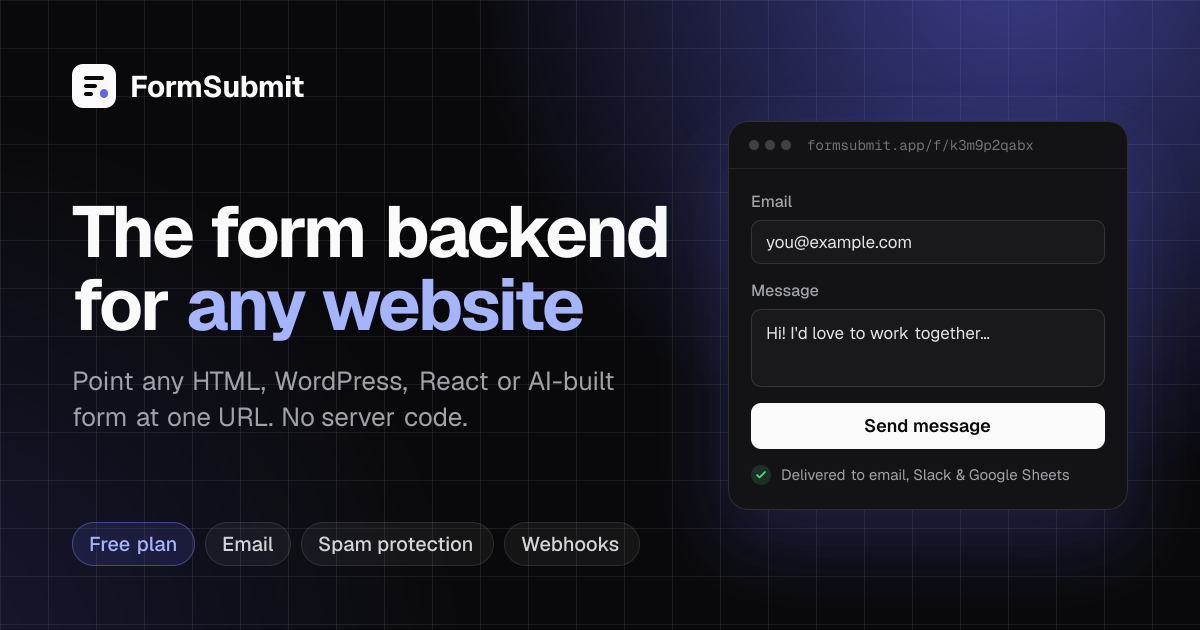
FormSubmit: The form backend for any website
Receive form submissions via email and integrations without server code for any HTML or framework form.
Gets website form submissions into your inbox without a server. Works with plain HTML, WordPress, React and static sites.
-
Ranked number 9
Sendaro
Send password resets, receipts and login links from your own domain with one API call. Free for 3,000 emails a month, Pro $17.
If you run your own app: password resets, receipts and sign-in links from your domain in one API call. Free for 3,000 emails a month.
-
Ranked number 10
Clivio AI document vault
Organize, search and summarize documents with semantic search, AI Q&A, tags and reminders.
A searchable vault for contracts, invoices and admin files, with AI answers, summaries and deadline reminders.
What small businesses actually need from software
Small teams don't need more features. They need fewer tools that each do their job without much setup. What the tools here have in common is that each replaces something messy: a spreadsheet of jobs, a forwarded email chain, a folder of PDFs, a guess at what a hire will cost.
Choosing software for a small team
- Work out the real monthly cost. Per-seat pricing grows with every hire. One-time licences and flat plans can be much cheaper over a few years.
- Pick tools people will actually open. Mobile apps, WhatsApp reminders and browser tools get used. A desktop system nobody logs into doesn't.
- Keep your data portable. Make sure you can export clients, invoices and documents if you switch later.
- Start with one problem. Replace the spreadsheet that hurts most, get it working, then move on to the next.
If you want to start with free options, our longer guide covers free AI tools for small business, sorted by job.
Browse the categories behind this list
More highlights
Questions about this list
What software does a small business need?
Usually something for getting paid (invoices and payments), something for customers (email, a help page or chat), something for scheduling or projects, and a safe place for documents. Most add sales and marketing tools once those basics run smoothly.
Is per-seat or one-time pricing better for a small business?
Per-seat pricing is easy to start with but grows with every person you add. One-time or flat pricing costs more up front and less over time. Work out the cost over two or three years at the team size you expect before you choose.
Can a small business run on free software?
For many jobs, yes. Free calculators, form backends and the free tiers of email and support tools cover a lot. Check the limits on users, volume and storage, because that is where free plans usually stop.